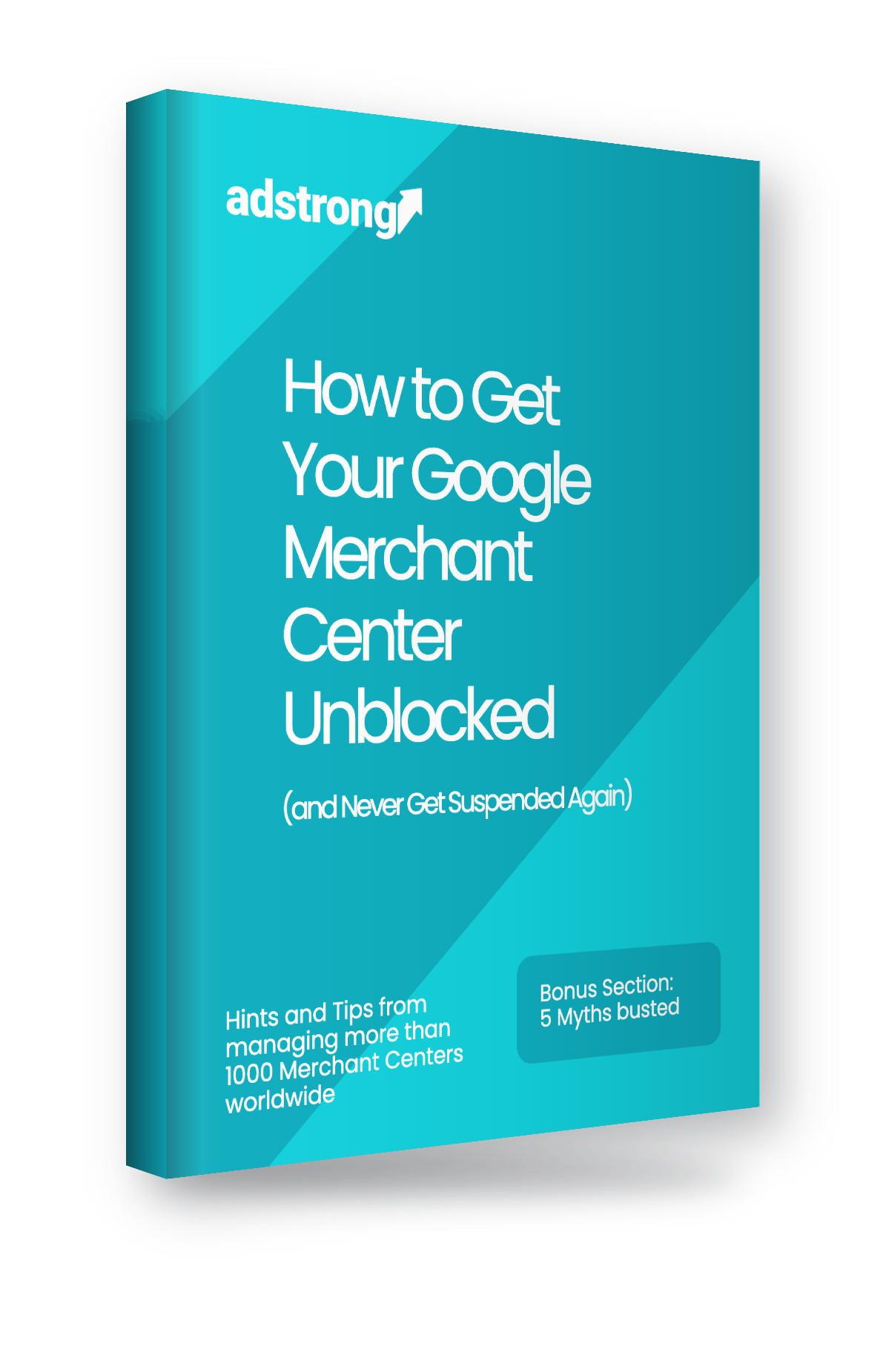
How to Get Your Google Merchant Center Unblocked (and Never Get Suspended Again)
The step-by-step playbook for suspended Shopping Ads: how to diagnose your suspension and fix all the errors to get unblocked in 1–3 weeks.
Written from patterns across 1,000+ Merchant Centers and 300+ accounts personally unblocked. Includes a free recorded webinar walking through the whole playbook.
Instant access to the guide + webinar recording. No spam, unsubscribe anytime. Privacy Policy.
- 14-page guide
- 40-min recorded webinar
- No cost, no catch
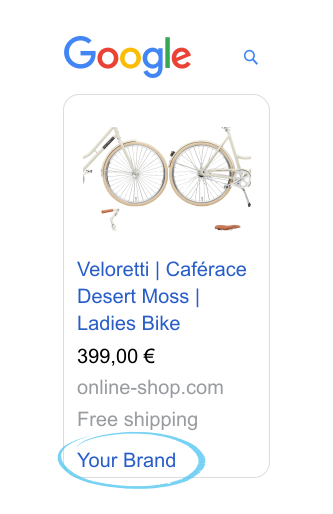
Why is my Google Merchant Center suspended — and how do I fix it?
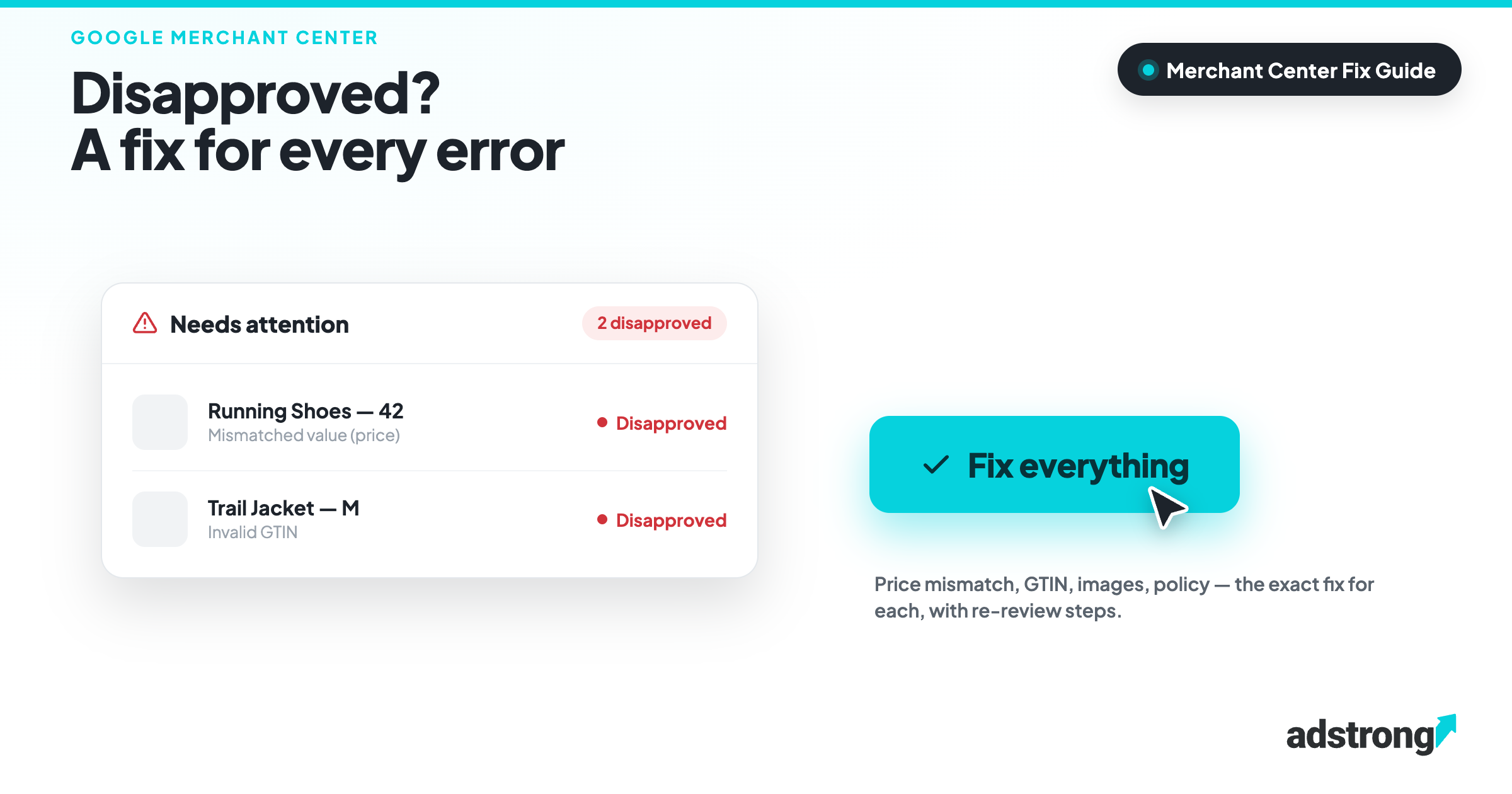
A Google Merchant Center suspension almost always falls into one of three types, and each needs a different fix:
- Prohibited content (unfixable) — remove the offending products; there is no workaround.
- Easy issues (price or shipping mismatch) — do exactly what the warning says; this is the one case where Google Support genuinely helps.
- Misrepresentation or “Website needs improvement” (the hard ones) — caused by inconsistencies between your Merchant Center and website, plus technical health issues like slow site speed and broken links.
The single most important rule: do not request a review until you’ve fixed every findable cause. Each failed review triggers a cooldown — roughly one week the first time, then several weeks — and enough failed reviews can permanently kill an account. Done properly, reinstatement typically takes 1–3 weeks, no matter how long you’ve already been suspended.
This free guide breaks down all three types, the exact fixes for the hard ones (including Google’s October 2025 pricing-transparency rules), and how to prevent it from happening again.
Your Shopping ads stopped. The panic button makes it worse.
Your Merchant Center gets suspended. Your Shopping ads go dark. And for most e-commerce businesses, Shopping ads are the revenue.
So you hit “Request Review.” You open a support ticket. You start changing random settings hoping something sticks. That reaction is the single fastest way to stay suspended for weeks longer than you need to.
There’s a right way to do this. It isn’t complicated — but almost nobody follows it, because almost nobody knows the rules Google won’t spell out for you. This guide is those rules, laid out step by step.
What you'll learn inside
- Diagnose before you touch anything. The 3 suspension types — and why treating them the same costs you weeks.
- The one thing to do first. Why the “Request Review” button is a trap, and how cooldowns really work.
- Fix “Misrepresentation” for good. The consistency checklist most merchants get wrong — plus Google’s new October 2025 pricing-transparency rules.
- Fix “Website needs improvement.” The technical audit that makes reviews pass (and the one step everyone skips: site speed).
- When Google Support helps — and when it’s a dead end. Stop wasting time on the wrong tickets.
- The dropshipping truth. There’s no secret penalty. Here’s what actually gets these stores suspended.
- 5 myths that keep people suspended. Including the most dangerous one: “once you’re approved, you’re approved for good.”
- PMax & new Merchant Centers. The workaround for rebuilding without losing all your campaign history.
- Prevention = the same playbook, run early. The audit that stops suspensions before they start.
- Bonus — the CSS advantage. Why accounts inside a CSS get unblocked faster, with a higher success rate.
Why trust this guide?
Because of what we get to see. adstrong is a Google CSS Premium Partner managing over 1,000 Merchant Centers and more than 20% of all Google CSS Centers worldwide, across Europe, the Americas and Australia. When you operate at that scale, every suspension pattern eventually lands on your desk.
What we never do is log into or operate your Merchant Center. The hands-on unblocking expertise here comes from Dantoa, our specialist partner, whose CTO has personally unblocked more than 300 suspended Merchant Centers — and who works on a success-based fee: no approval, no payment.

Frequently asked questions about Merchant Center suspensions
Done properly — diagnosing the suspension type and fixing every findable cause before requesting a review — reinstatement typically takes 1 to 3 weeks. Surprisingly, that’s true regardless of how long your account has already been suspended.
Inconsistency. Your Merchant Center data and your website must match down to the formatting (phone, address, store name), your policies must be unique and complete, and — since October 2025 — your pricing must be fully transparent across feed, website and checkout. Slow site speed and broken links are the technical triggers people most often miss.
No. Every failed review triggers a cooldown that gets longer each time (about a week first, then several weeks), and enough failed reviews can permanently suspend the account. Fix every identifiable issue first — you can keep working during a cooldown, you just can’t request a new review until it ends.
No. There is no dropshipping penalty. Dropshippers get hit with Misrepresentation more often because of effort issues — template policies, broken links, mismatched contact details — not because of the business model. Clean those up and a dropshipping store is treated like any other.
Only for the easy suspensions (price or shipping mismatch), where they’re genuinely helpful. For Misrepresentation and “Website needs improvement,” they’ll typically send you a help article and close the ticket.
No — this is the most dangerous myth. After reinstatement your account is effectively flagged, with manual checks around the one-week and one-month marks. Undo the fixes that got you approved and you can be suspended again. Reapproval is the start of aftercare, not the finish line.
Get the complete playbook for free
Stop guessing. Get the exact step-by-step process behind hundreds of reinstated accounts, plus the prevention audit that keeps you off Google’s radar for good.
- Instant PDF
- 14 pages
- 40-min recorded webinar
- No cost, no catch
